How to Sign Up for the Reach Line Program
Important: The process of getting a 10DLC number includes several steps. First, you need to sign up for the Reach Line program. Next, you must provide your brand details and describe the types of messages you plan to send. After you submit your application, it will be reviewed by the 10DLC regulator within 3–7 business days. When your application is approved, you will be able to select a 10DLC number and link it to your account in the Reach app. After that, the number will be ready to use for messaging.
This article explains how to sign up for the Reach Line program.
Step 1: Open Reach Line in the Reach app
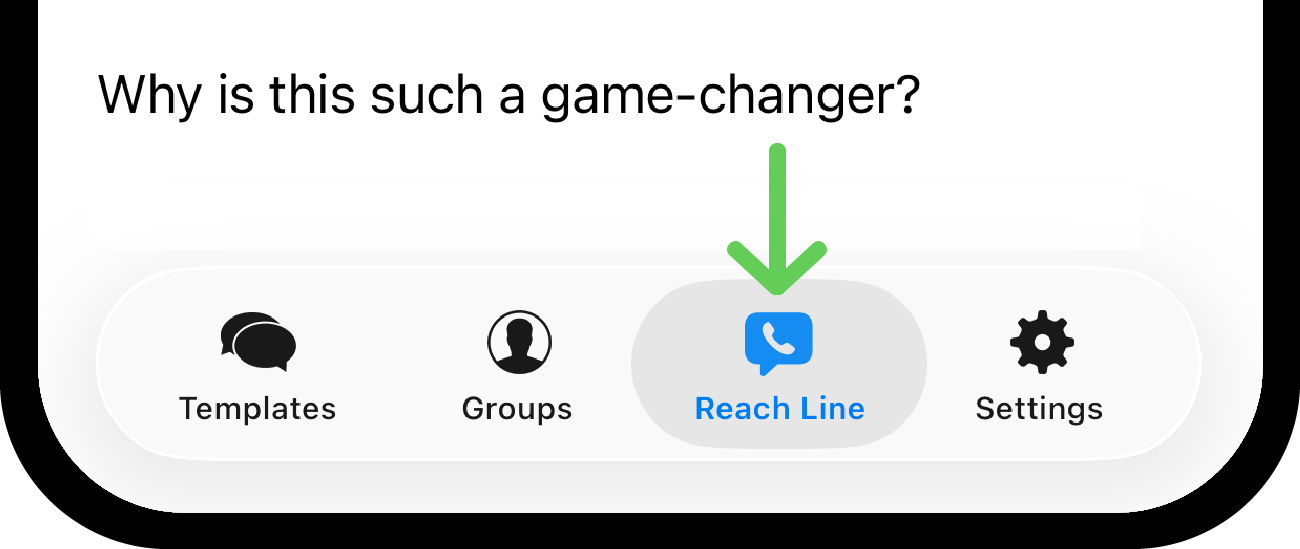
Go to the Reach Line tab.
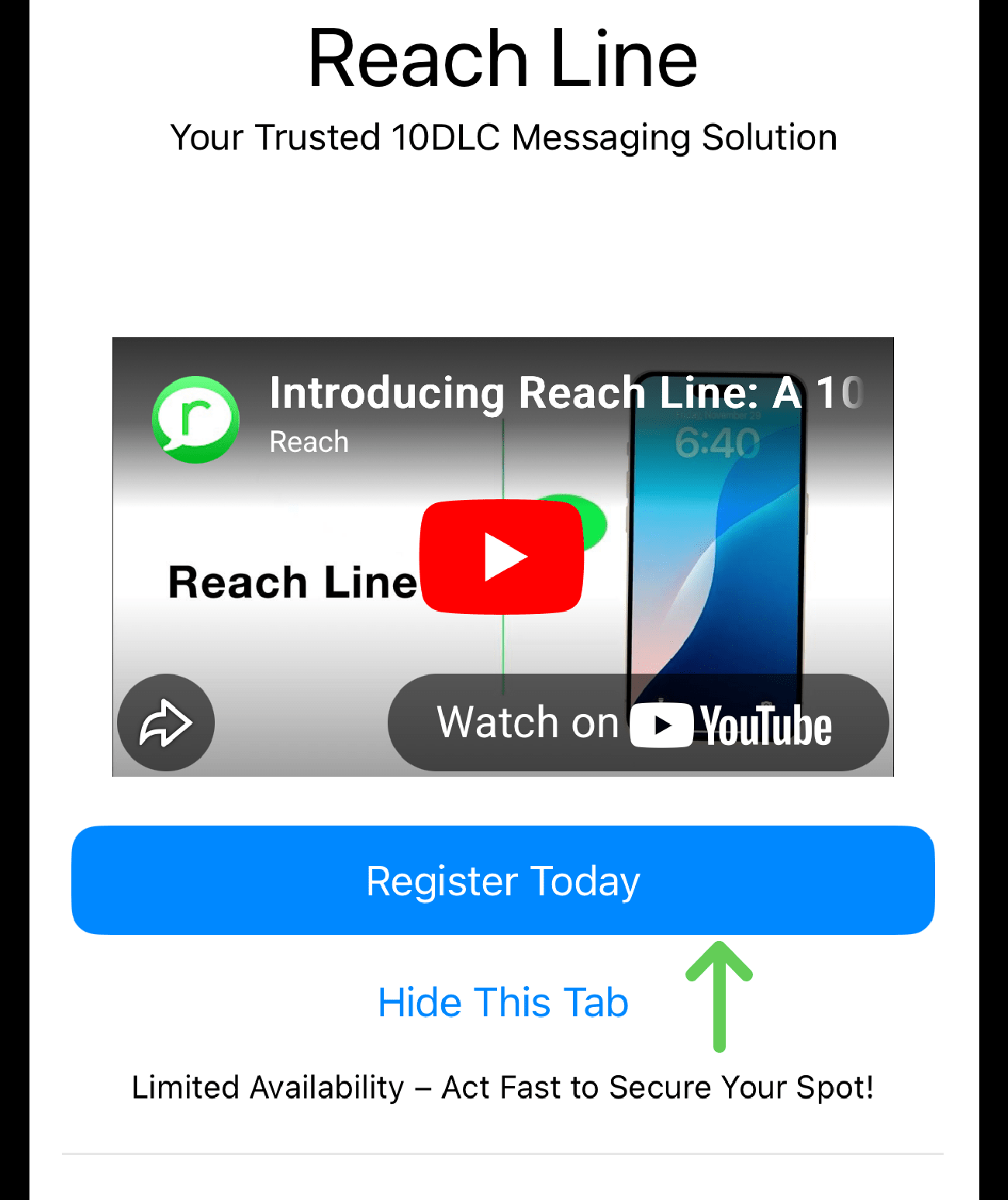
On the Reach Line page, tap Register today.
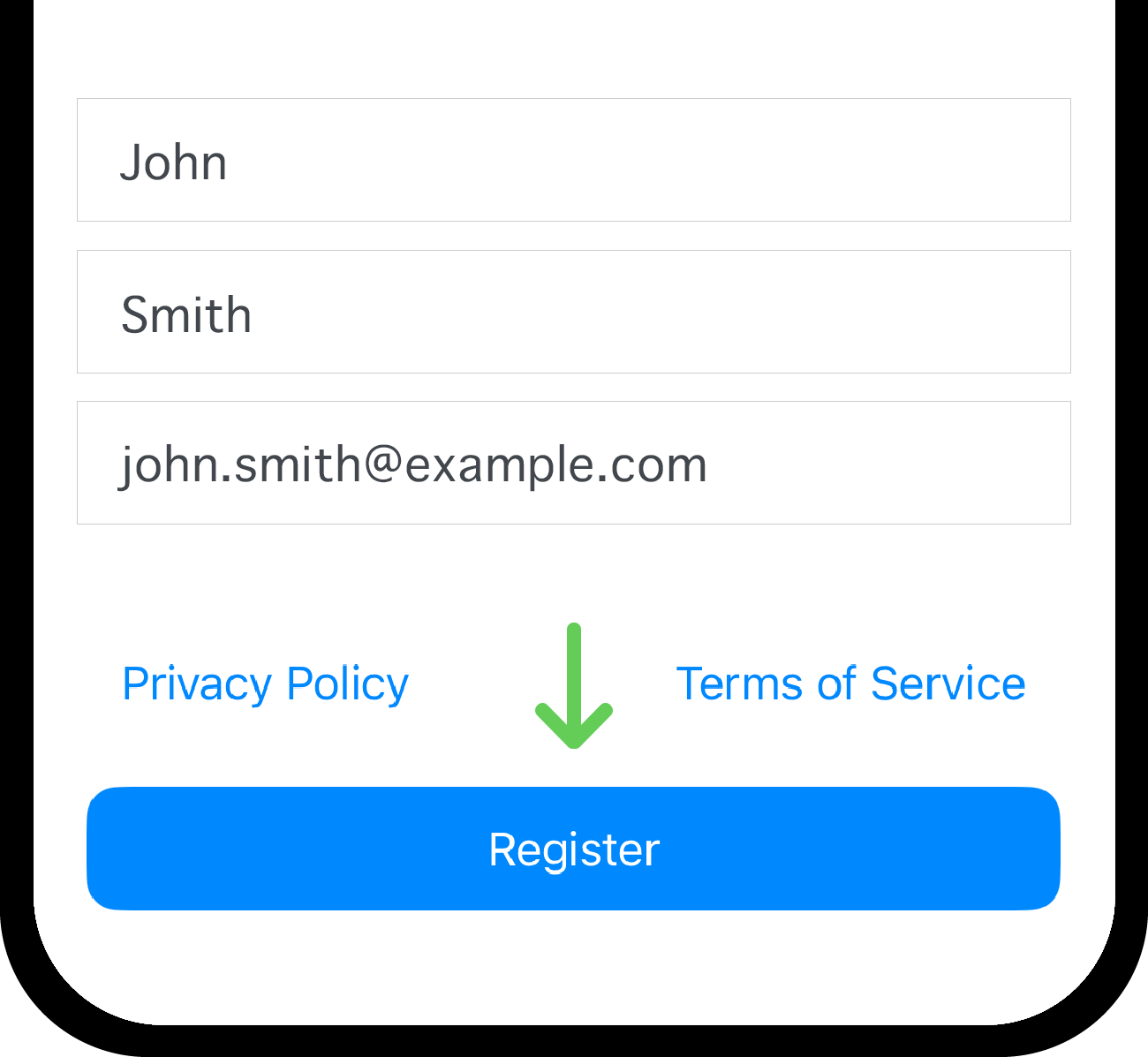
Step 2: Enter your details and verify your email
Fill in the required fields:
- First name
- Last name
Tap the Register button.
Check your inbox - you will receive an email with a verification code.
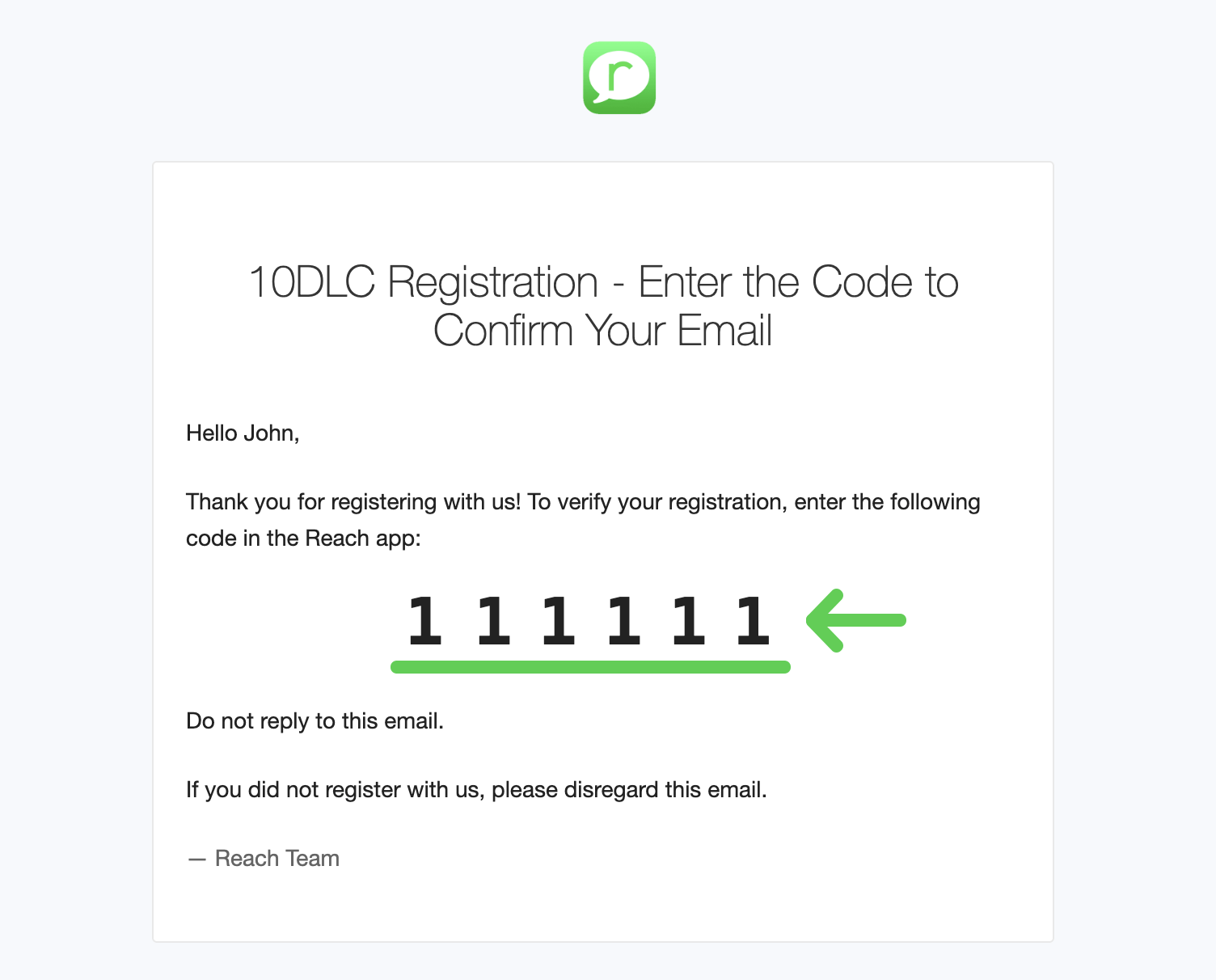
In the Reach app, enter the code from the email and tap Verify Email.
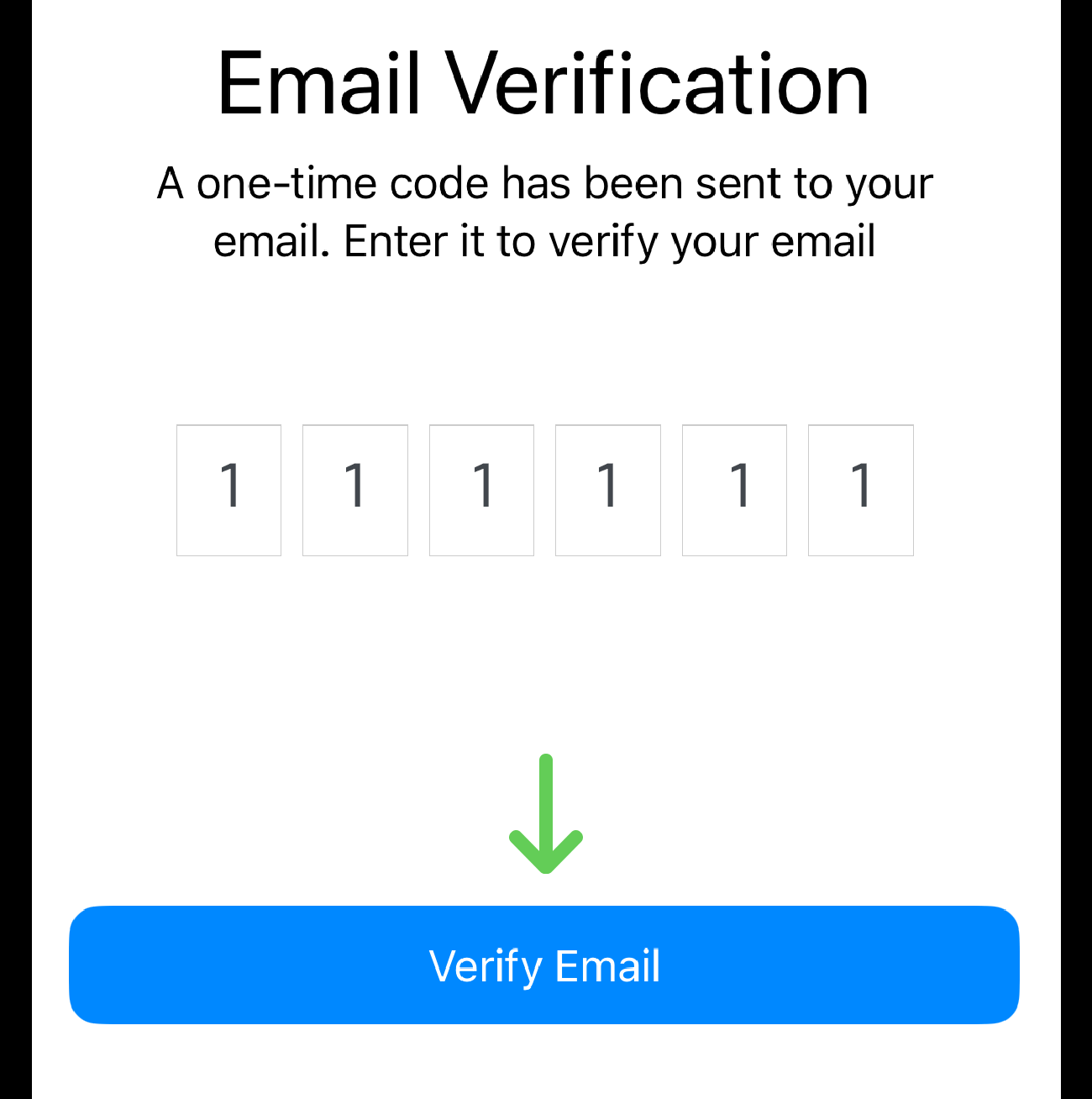
After verification, you will receive another email containing a link to start your brand registration.
Step 3: Continue registration using the link (recommended on desktop)
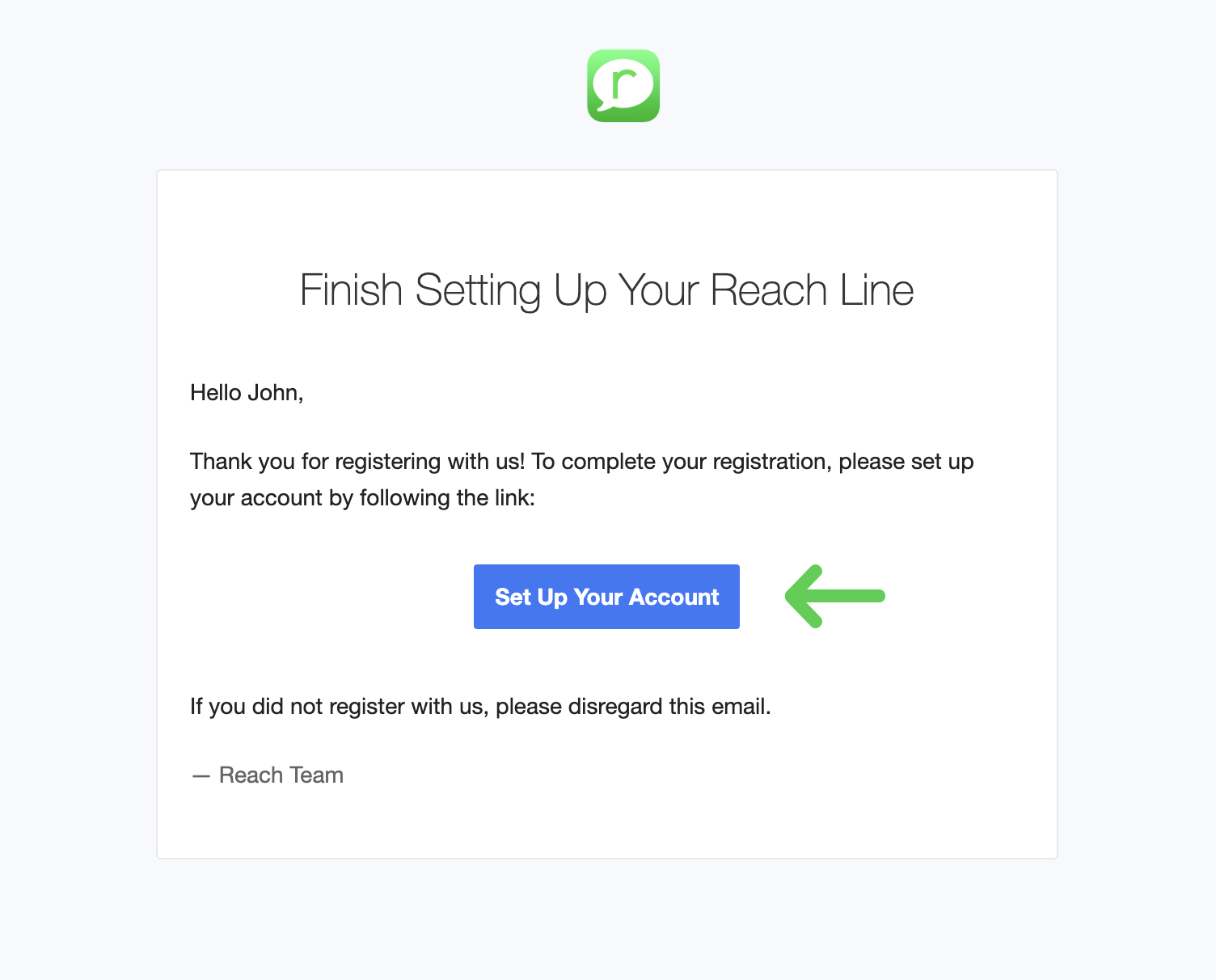
Open the email with the registration link. Click the link to set up your account and start the registration.
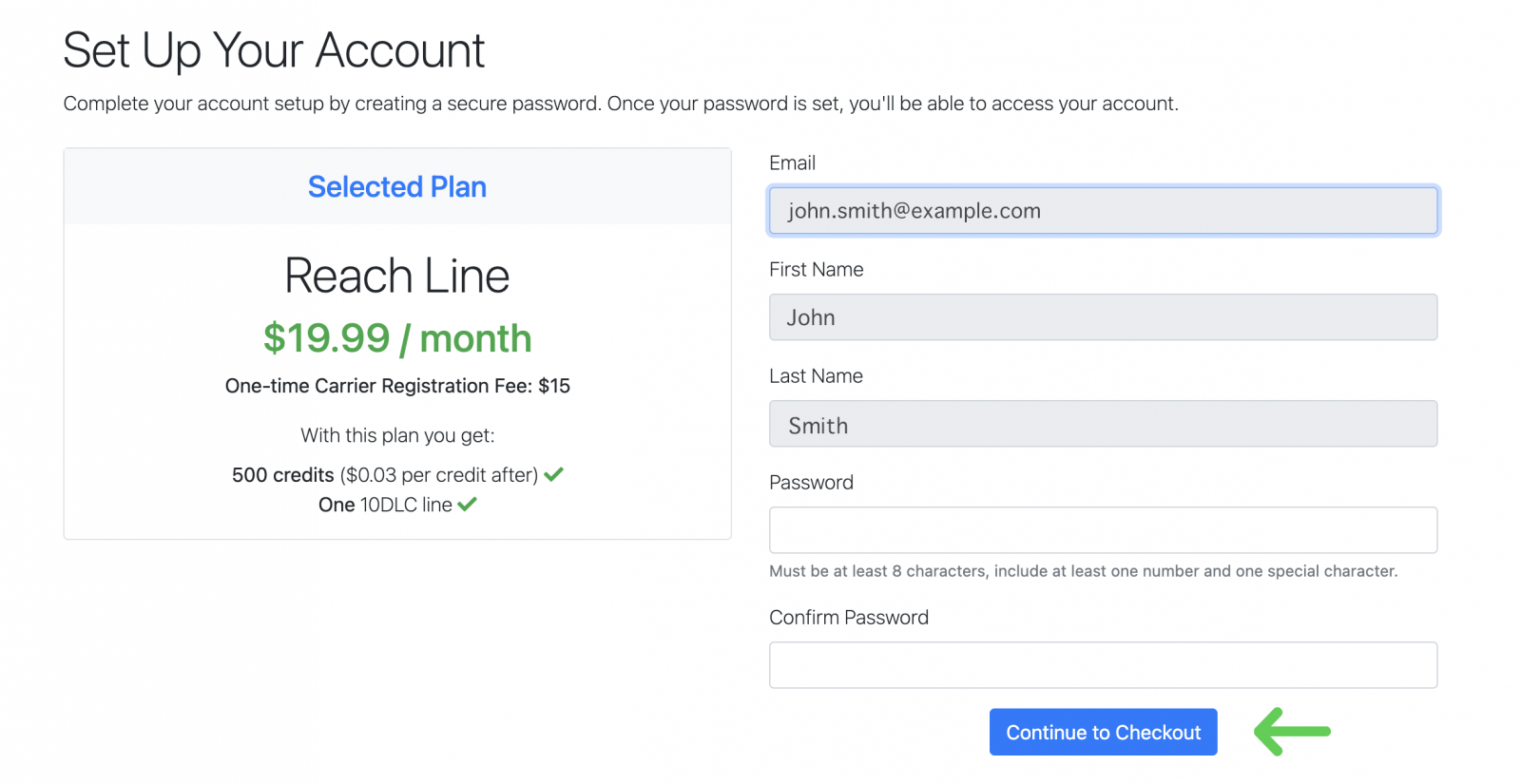
Create a password and click Continue to Checkout.
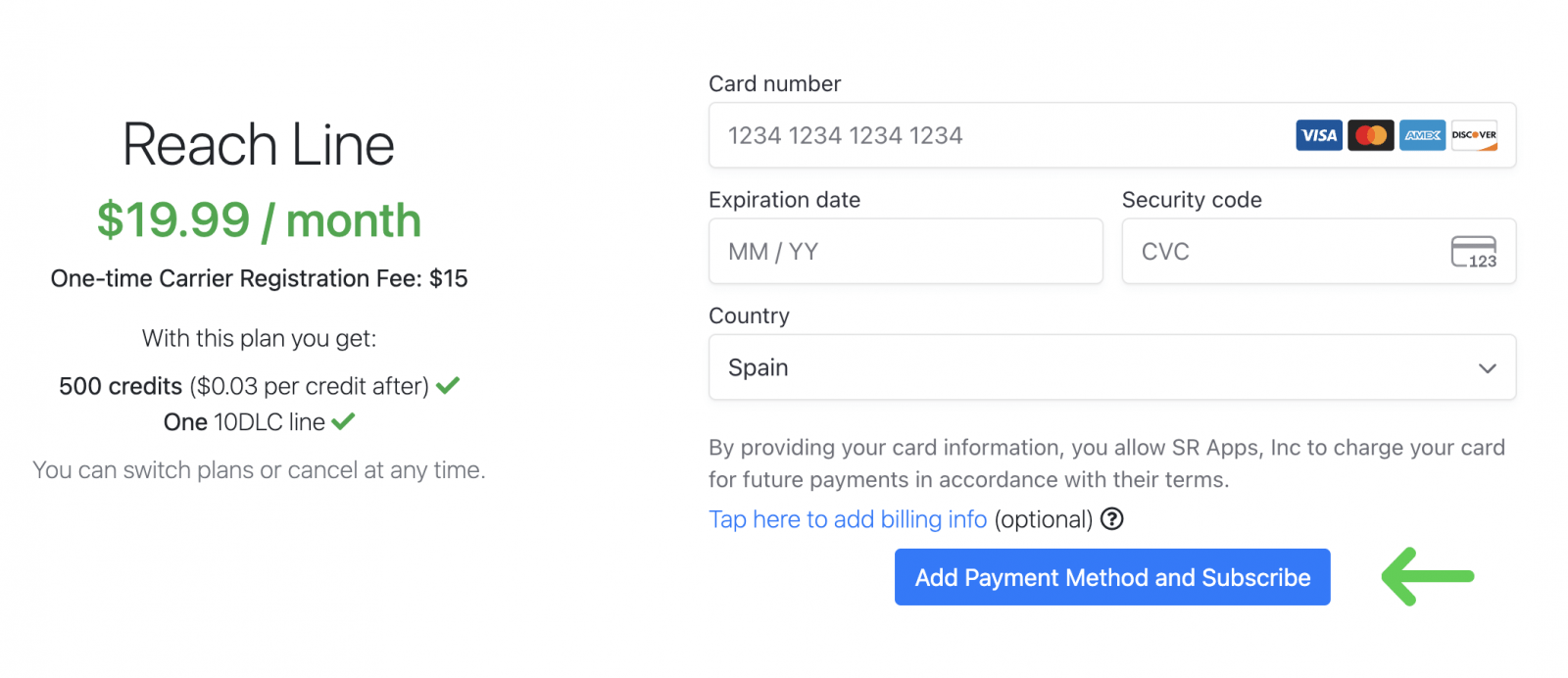
Step 4: Add billing details
On the next step, enter your billing/payment information for the plan. Click Continue to Checkout.
Step 5: Start the 10DLC campaign registration
Click Register 10DLC Campaign.
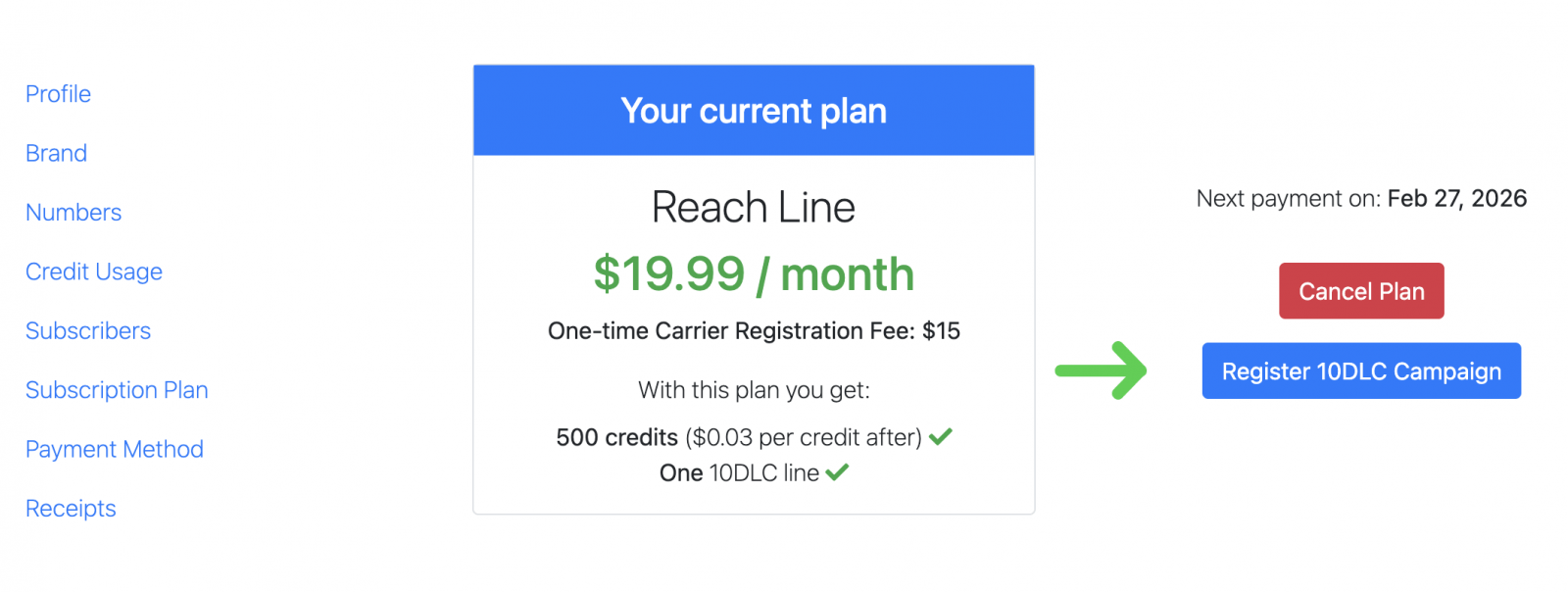
The information you provide in the next steps must match your official brand details and properly reflect the SMS messaging your brand will send. Approval of your campaign depends on how accurately this information is provided.
You can find the detailed guidance in the article "10DLC Brand and Campaign Registration Guide".