Reach Enterprise Usage Reporting
The Usage Report in the Reach Enterprise Dashboard provides administrators with insights into how licenses are being used across the organization. It helps track activity and support effective license management.
Generating a Usage Report
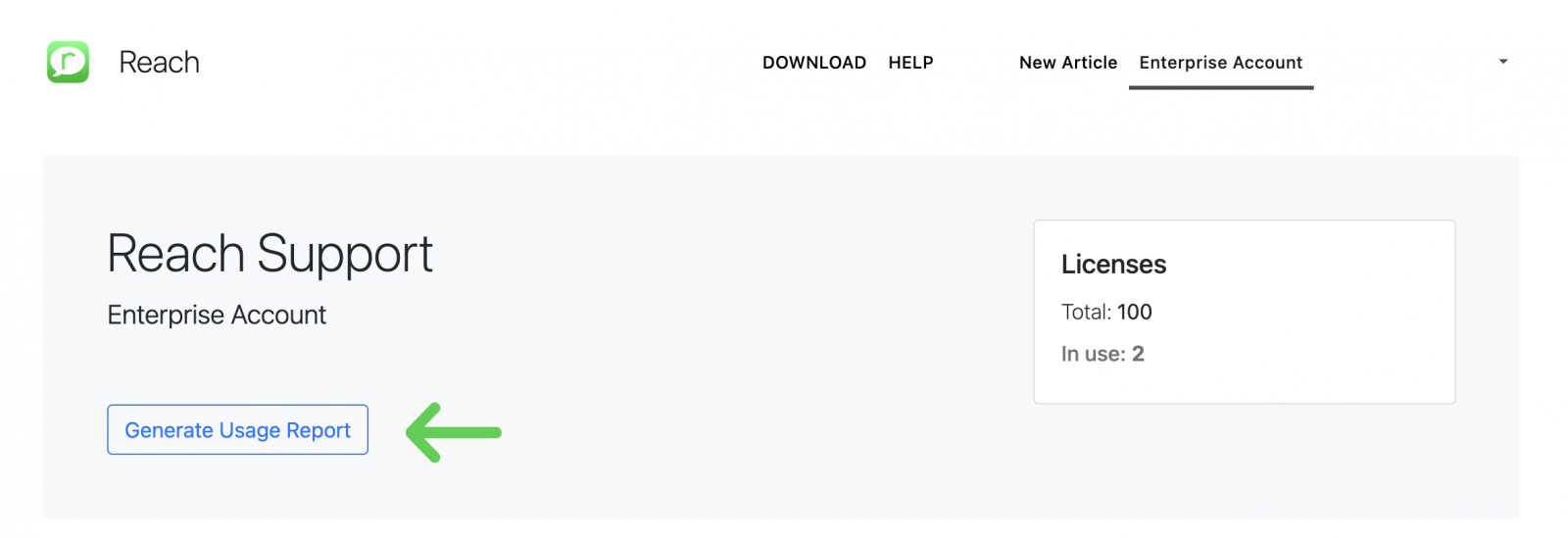
1. From the main Dashboard page, click “Generate Usage Report”.
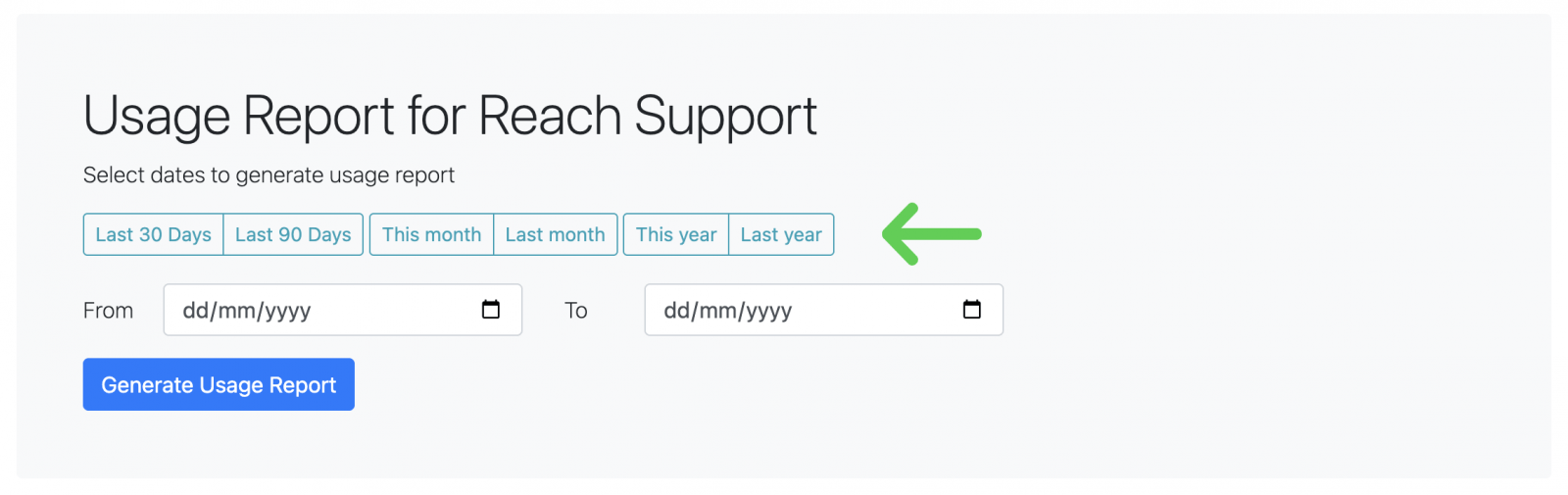
2. On the report generation page, select the time period you wish to review (e.g. last month, last year).
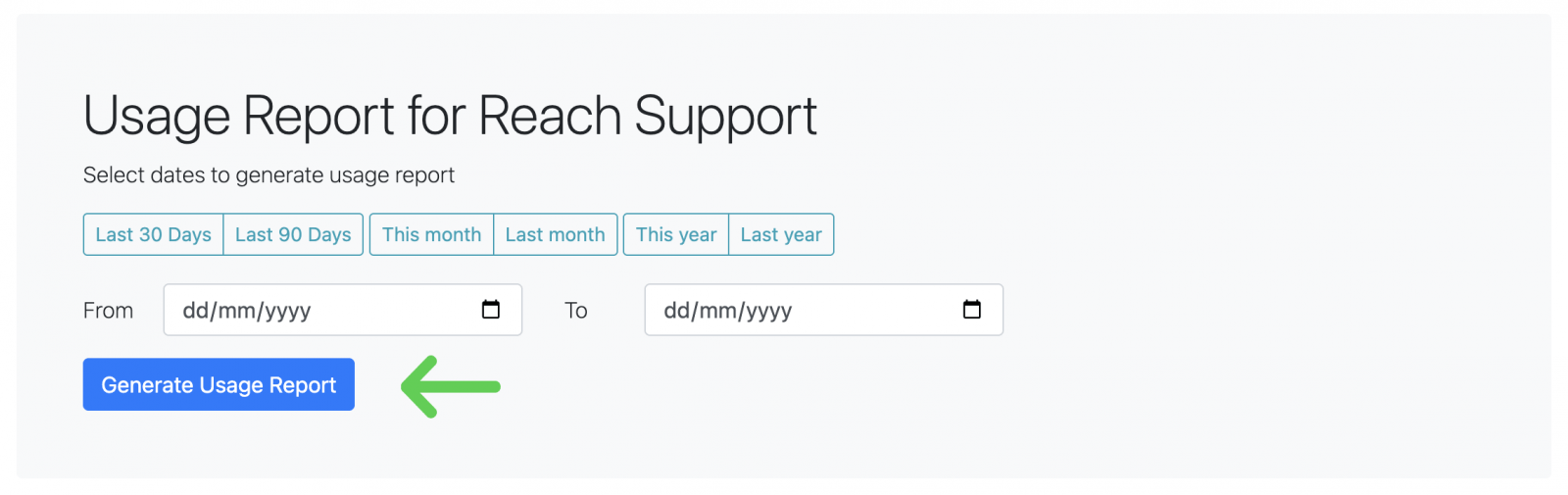
3. Click “Generate” to produce the report.
Report Details
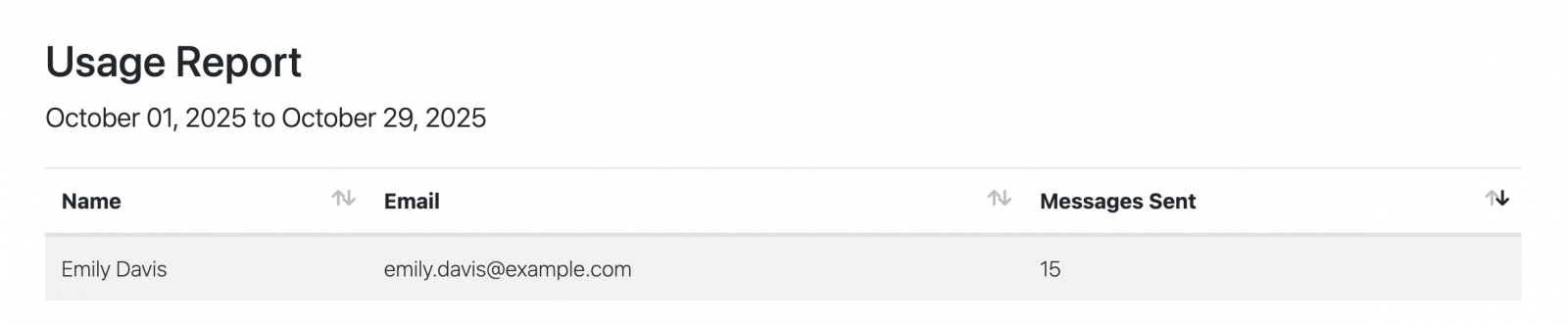
The generated report includes:
- A list of all active licenses during the selected period.
- The number of messages sent by each active user.
Downloading the Report
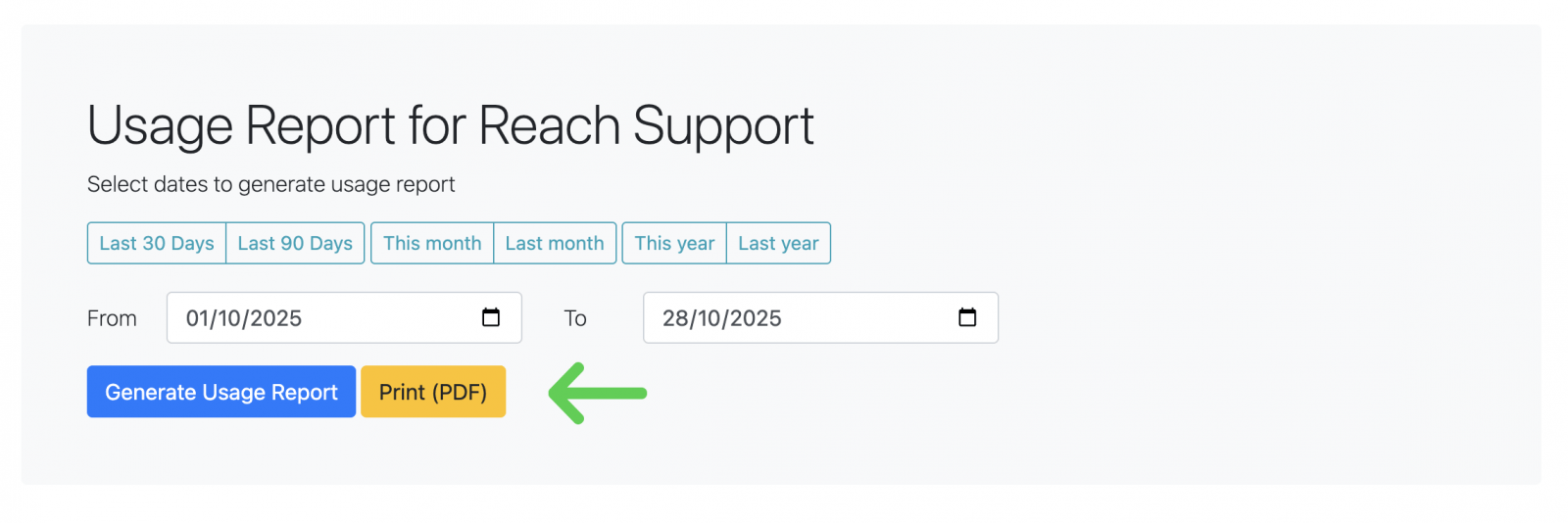
You can also download the report in PDF format for offline review, sharing, or record keeping.